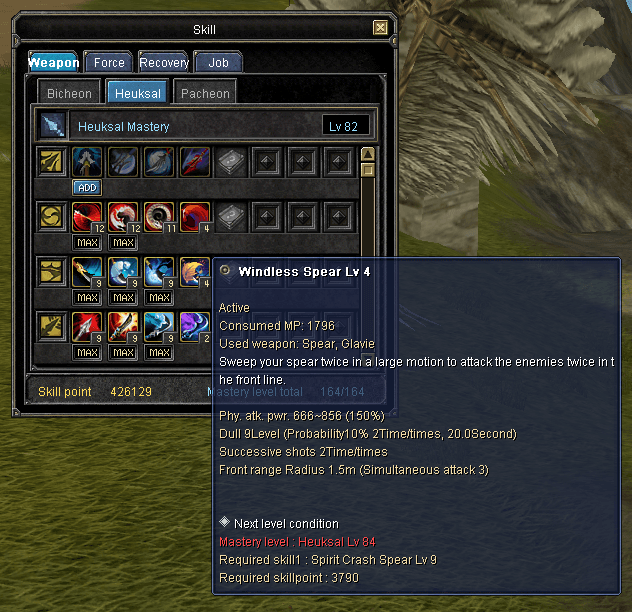
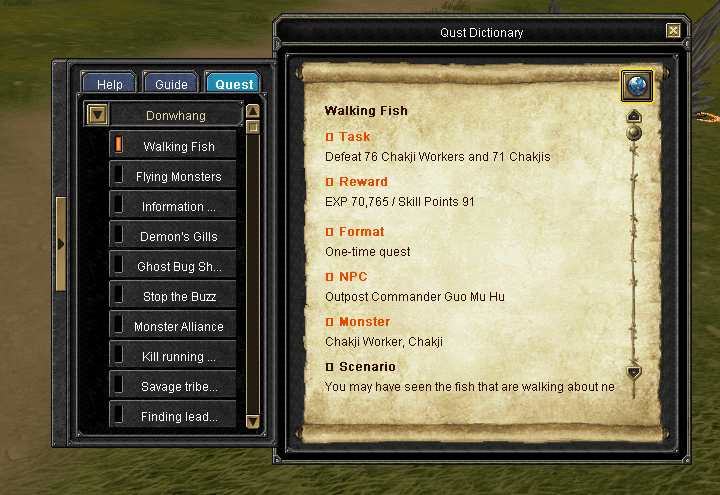
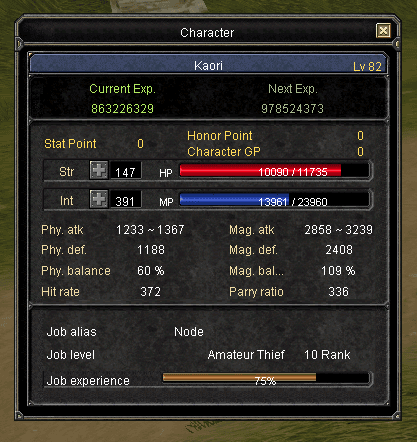
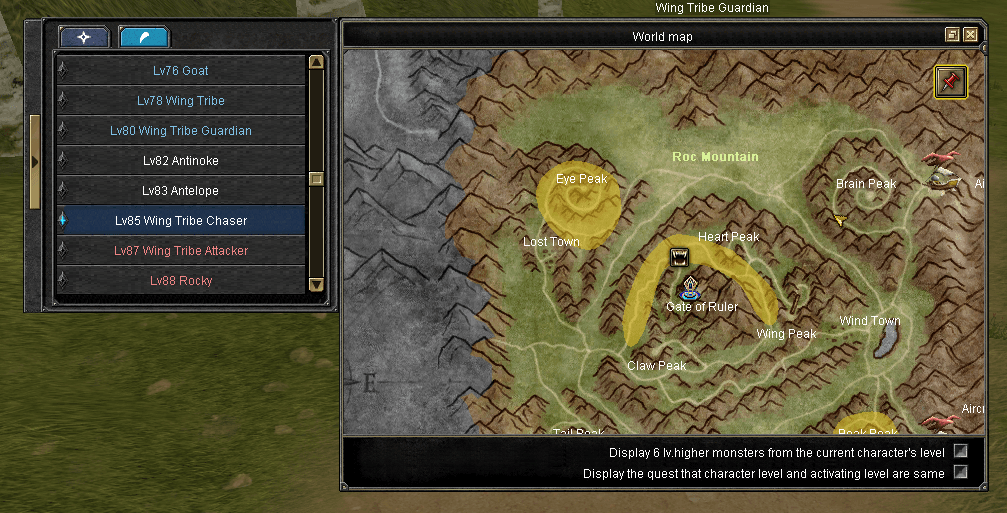
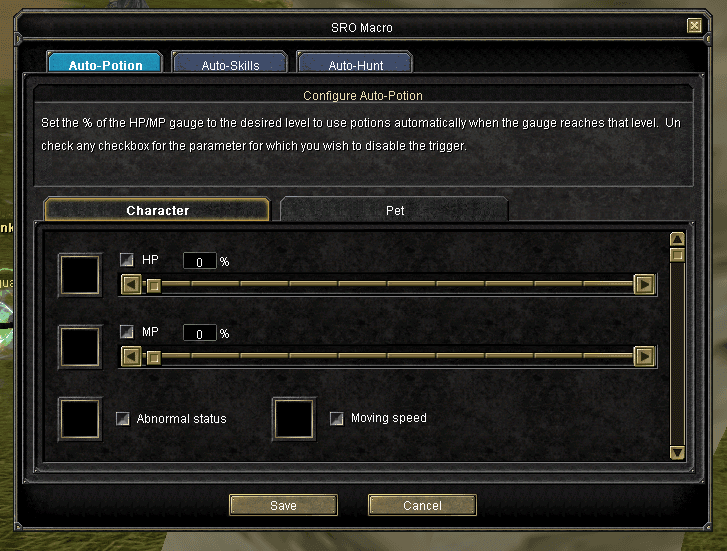
TRSRO ships in Turkish: quests, skills, items, zone names, tooltips, all of it. This replaces that text with English, in the one file the game loads it from.
Download the patched Media.pk2One file. Instructions below.Watch the walkthroughThe same steps, on video, if you would rather follow along.Where the English comes from
Not from a translator. iSRO, the international client, is the same game underneath and Joymax wrote official English for nearly all of it years ago. So this pulls that wording straight out of iSRO's own client files and puts it into TRSRO's. Only where iSRO has no matching line, or the wording does not fit, is anything translated by hand, one batch at a time.
- Translates quests, skills, items, UI, zone names, help text and tooltips.
- Every string is checked against the original Turkish before it is swapped in.
- Nothing outside text is touched: no stats, no drop rates, no skill data.
Setup
- 01Download the patched Media.pk2 from the link above.
- 02Close the game if it is running.
- 03Open your Silkroad install folder and find Media.pk2. Copy it somewhere safe first: if anything looks wrong afterwards, you put your copy back and you are exactly where you started.
- 04Drop the downloaded file in, replacing the original Media.pk2.
- 05Launch the game normally.
That is the whole thing. No proxy, no background process, nothing to configure, and nothing that has to be running while you play. It is a one-time file swap.
If something looks wrong
A missing icon, odd text, an item that will not load: put your original Media.pk2 back, then report it in the guild Discord with the item, quest or skill name. Coverage is not complete and some strings will always be missing, so a specific report is genuinely useful rather than a nuisance.